Cutting the manual work out of invoicing
How to cut the manual work out of FBR invoicing: saved customers and products, built-in reference lists, and filing a whole month as one batch.
What automation actually means here
“Automation” in invoicing does not mean a machine deciding what to invoice. It means not doing the same manual work twice — not re-typing a regular customer's registration details, not looking up the same product's HS code every week, not keying a hundred invoices by hand when they already exist in a spreadsheet.
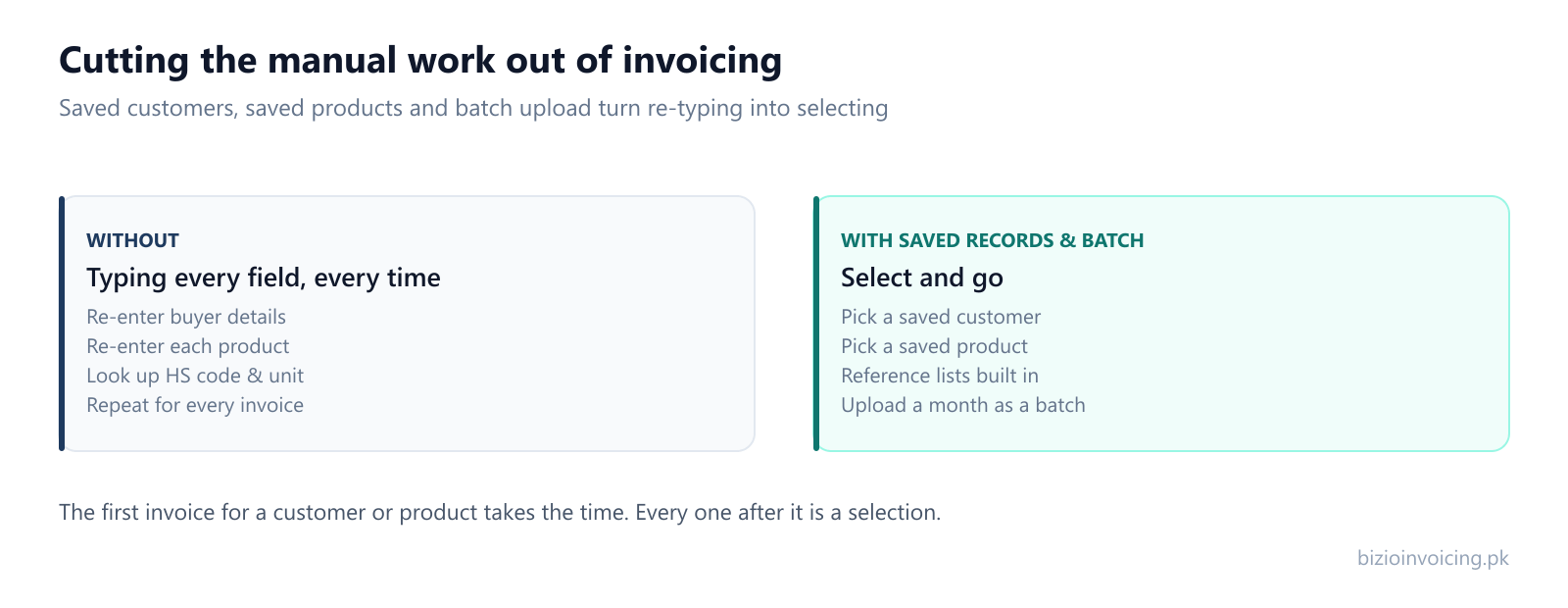
The saving is not glamorous, but it is real: the first invoice for a customer or a product takes the time, and every one after it is a selection rather than a form.
Saved customers and products
The single biggest reduction in manual effort comes from saving the things you reuse. A saved customer keeps a buyer's registration number, registration type, province and address. A saved product keeps an item's code, HS code, unit, rate and price. On the next invoice you pick them from a list instead of retyping — and because the details are the ones that already worked, you are not reintroducing a typo each time.
Reference lists built in
Provinces, document types, units of measurement, sale types and HS codes are not free-text guesses — they come from FBR's own reference data inside the form. That is a quieter kind of automation: you are choosing from valid values rather than remembering them, so a whole class of “that isn't a value FBR accepts” problems never arises.
Filing a month as one batch
When invoices already live in a spreadsheet or another system, re-keying them is the most avoidable work of all. A batch upload groups matching rows from the supported Excel template into invoices with line items. Validate the eligible invoices with FBR, review their results, then submit when ready. Each invoice is tracked separately. Bulk upload from Excel covers how a batch runs and what to check first.
How Bizio Invoicing fits together
Bizio Invoicing is independent invoicing software built so these add up: saved records feed the invoice form, the form is checked before filing, batch upload handles volume, and everything filed is kept with FBR's response. Automation here is the sum of small things that remove repetition — not a black box.
Read next
Bulk upload from Excel
Filing a whole month at once, and what a large upload reveals about your records.
Invoice management
Tracking status and keeping the record once invoices are filed.
What Bizio Invoicing does
The full feature set behind the automation — form, validation, saved records, batch and history.
Ready to file your first invoice?
Tell us your business name and registration number and we will set up your account. You start in sandbox mode, so nothing is filed for real until you are ready to switch to production.
WhatsApp +92 339 4453223 · bizio.official1@gmail.com